
The ads are on. The budget is spending. The dashboard shows clicks, impressions, a respectable click-through rate, and the phone is not ringing.
Nearly every contractor in this spot does the same two things: raises the budget, then blames Google. Both cost money and neither is diagnosis. The cause is nearly always one of five things, and they have an order. A fix at step four can’t help while step one is broken, so start at the top.
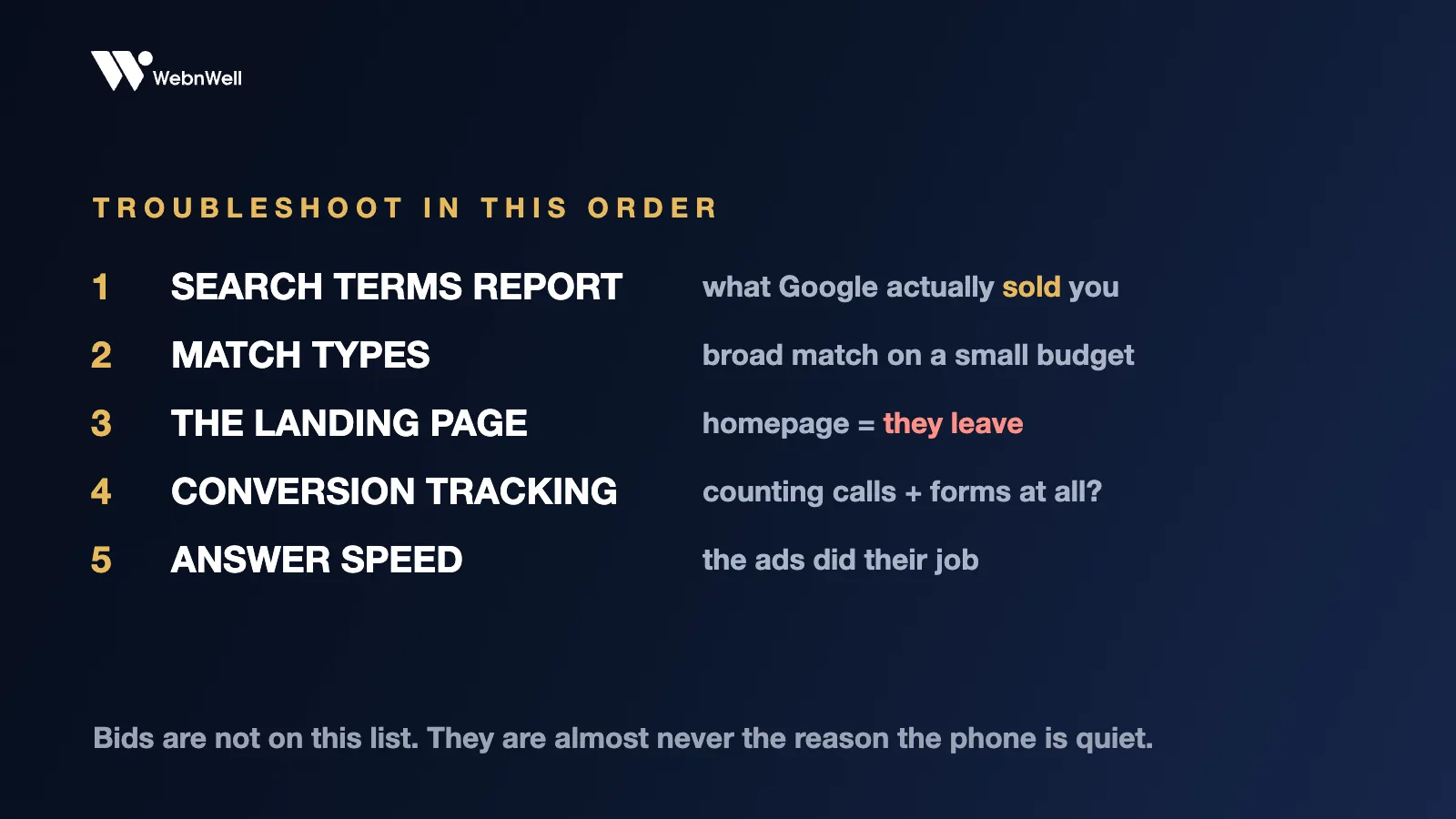
1. What did Google actually sell you?
Not your keywords. The search terms report. Your keywords are what you asked for; search terms are what you got, and in most accounts I open for the first time, somewhere between a third and half of the spend went to searches that could never become a customer. Job seekers. DIY researchers. Towns you don’t serve. People shopping for epoxy kits.
If your money is going there, no other fix matters yet. Add the junk as negative keywords and make the cleanup a weekly five-minute habit.
If you only do one thing after reading this, open that report. It answers “why no leads” more often than the other four checks combined.
2. Who let those searches in?
Usually broad match. It works when the algorithm has deep conversion history to steer by; a newer account on a modest budget has none, so broad match expands into whatever is cheap and the budget disappears into almost-relevant traffic.
Exact and phrase until the account converts predictably. Broad match later, if you like, in its own campaign with its own capped budget where it can’t starve the keywords that pay.
3. Where does the click land?
The biggest silent killer, and the fix owners resist most, because it means touching the website instead of the ads.
Someone types “foundation crack repair cost” and lands on your homepage. Company story, service list, established 1998. Her question is nowhere, so she leaves, and you paid for the visit.

The page has to repeat her search back in the headline, put a number and short form above the fold, show proof, and name her area. One page per service, and this alone routinely does more for cost per lead than any bid change ever will.
4. Is anything being counted?
Sometimes leads arrive and the account can’t see them, which means Google optimizes blind and drifts worse over months.
Three checks. Is conversion tracking installed at all? Accounts run for months with nothing recording. Are calls counted, and only past the 60-to-90-second mark, so hang-ups and wrong numbers don’t train the algorithm? And does the form work? Test it from your phone, on mobile data, and confirm the notification lands where a human reads it.
I’ve watched “the ads don’t work” turn out to be a contact form that had been failing silently for six weeks.
5. What happens after it rings?
If the first four are clean and you’re still not booking work, the ads did their job and the problem moved downstream. Two uncomfortable questions.
How fast is first contact? Minutes matter; a form-filler is interested now and has usually contacted more than one company. Call in five minutes, text at once if no answer, try again next day and once more on day three. Most owners stop after one attempt, and a surprising share of booked work lives in touches two and three. The numbers are in speed to lead.
And who answers? An $80 lead landing on a voicemail box at 2pm on a Tuesday is not a marketing problem. Google brings the homeowner to the door. It cannot pick up the phone.
While you troubleshoot
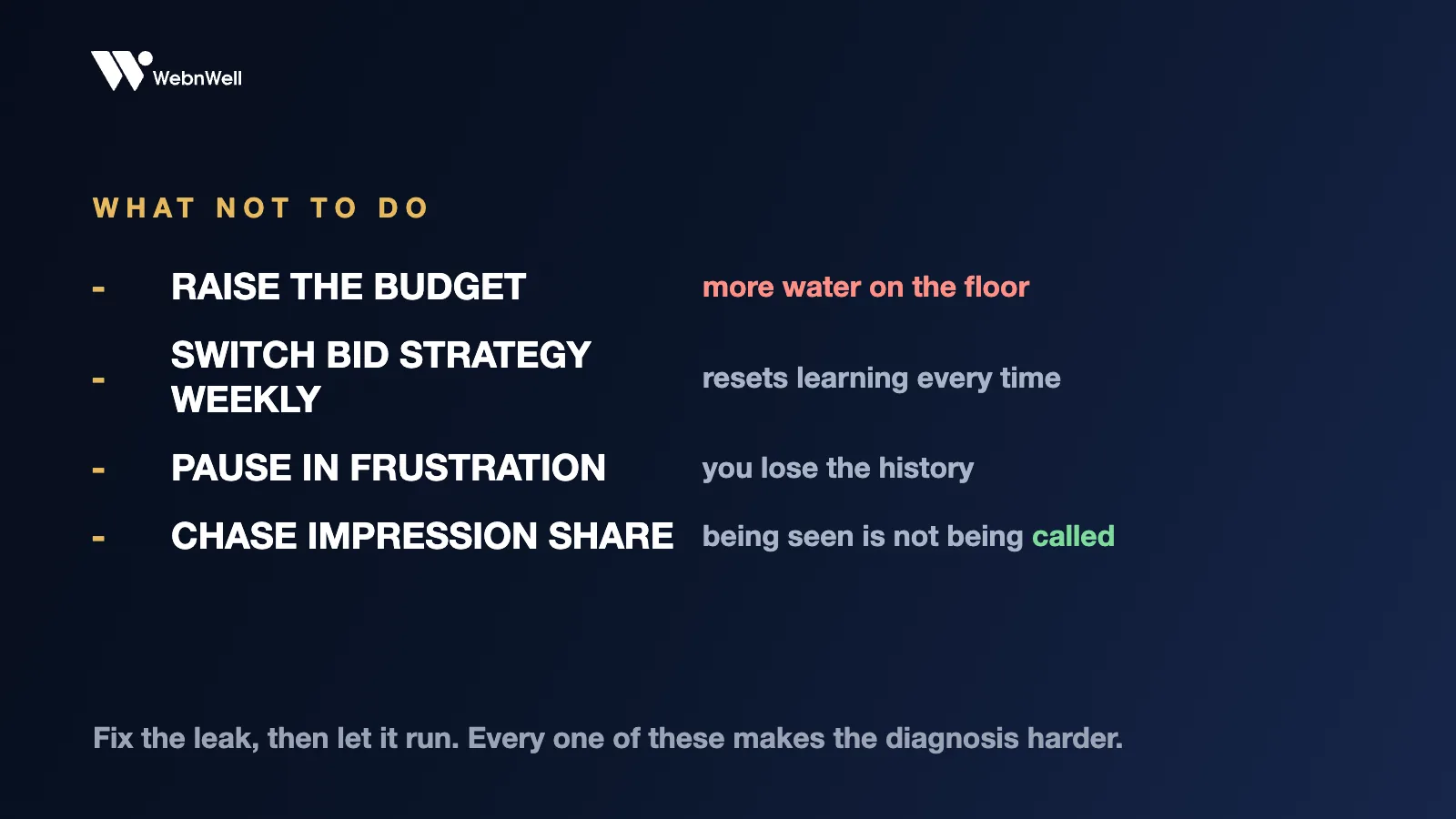
Don’t raise the budget to fix a leak; that’s more water on the floor. Don’t switch bid strategies weekly; every switch resets learning. Don’t pause the account in frustration; the history is worth keeping. Don’t chase impression share; being seen is not being called.
Nine accounts out of ten find their answer in the first three checks, at the cost of an afternoon rather than a bigger budget. If you work the list and it still doesn’t add up, the free market audit puts a second pair of eyes on your market: what competitors bid on, which searches exist in your city, and where the account leaks. Recorded against your real results page, findings yours to keep.